From house plans to SketchUp model
Your house in 3D, without drawing it yourself
Upload the floor plans, blueprints or permit drawings of your house and we'll build an accurate 3D model in SketchUp. You see pictures of the model for free before you decide.
How it works
- 1
Upload
Send floor plans, elevations and, if you have them, sections as PDF or photos. Permit drawings are usually enough.
- 2
Get a free preview
Within 24 hours you get pictures and a turntable video of your model, at no cost.
- 3
Pay and download the .skp
If you like the model, pay $29 and download the SketchUp file right away.
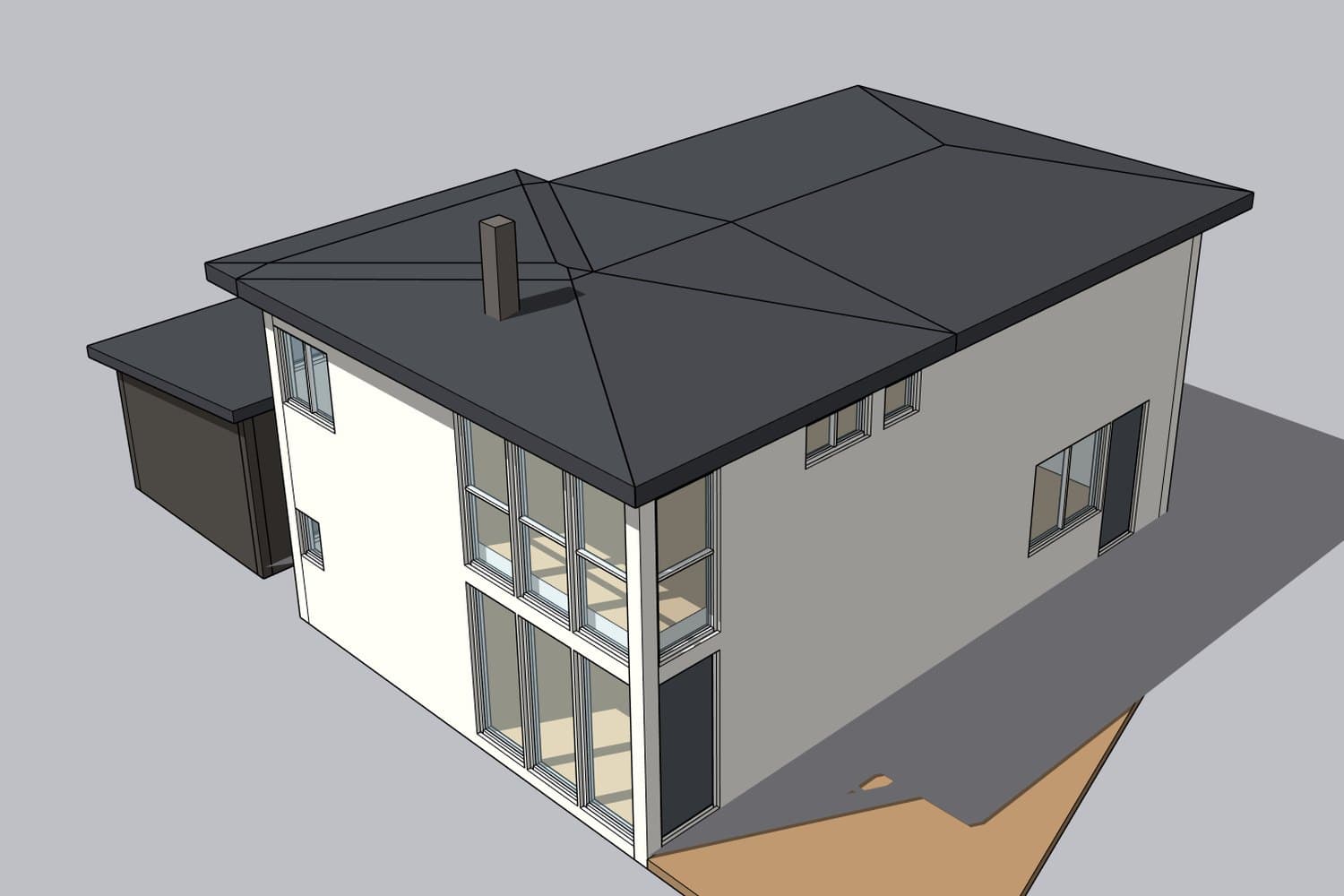
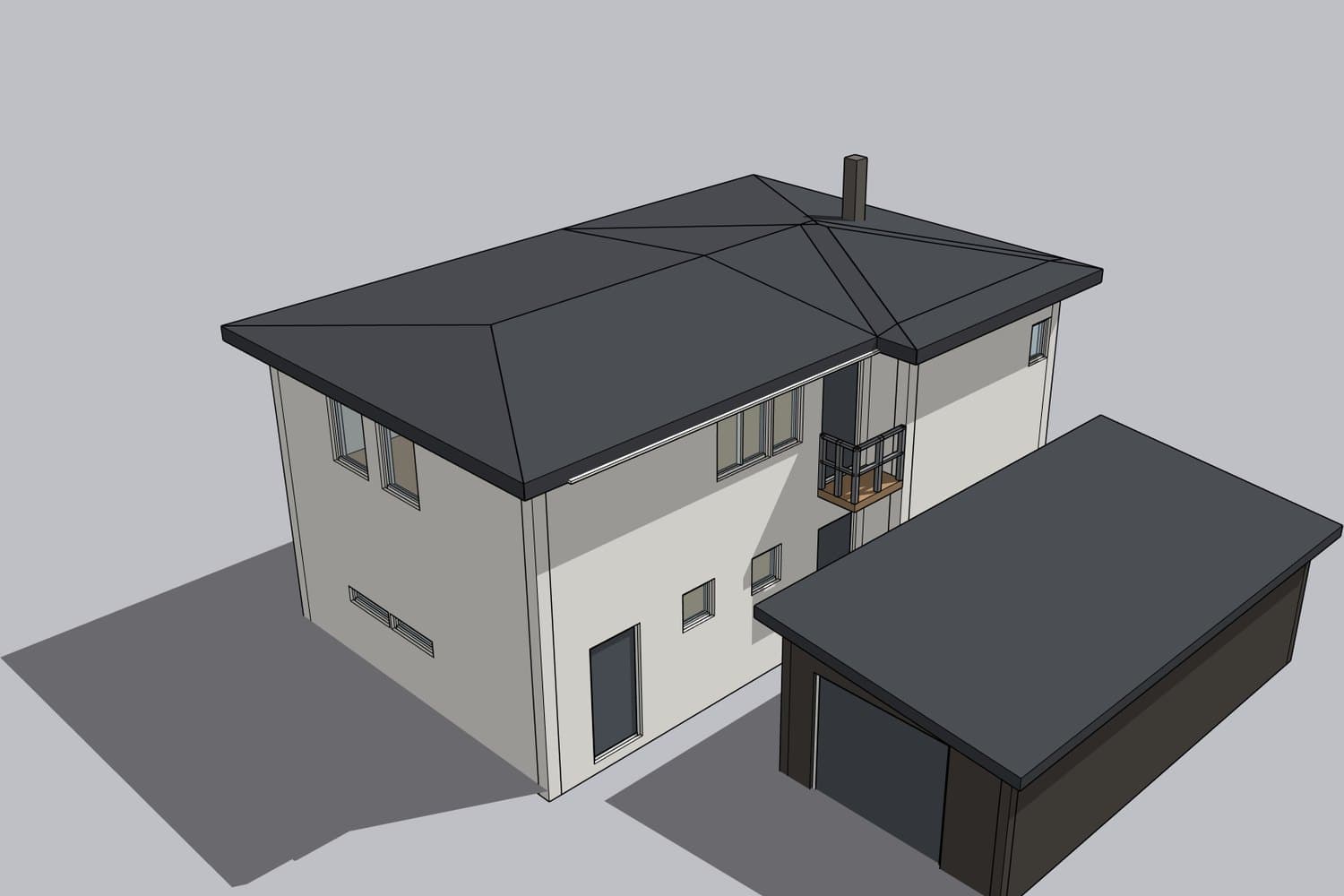
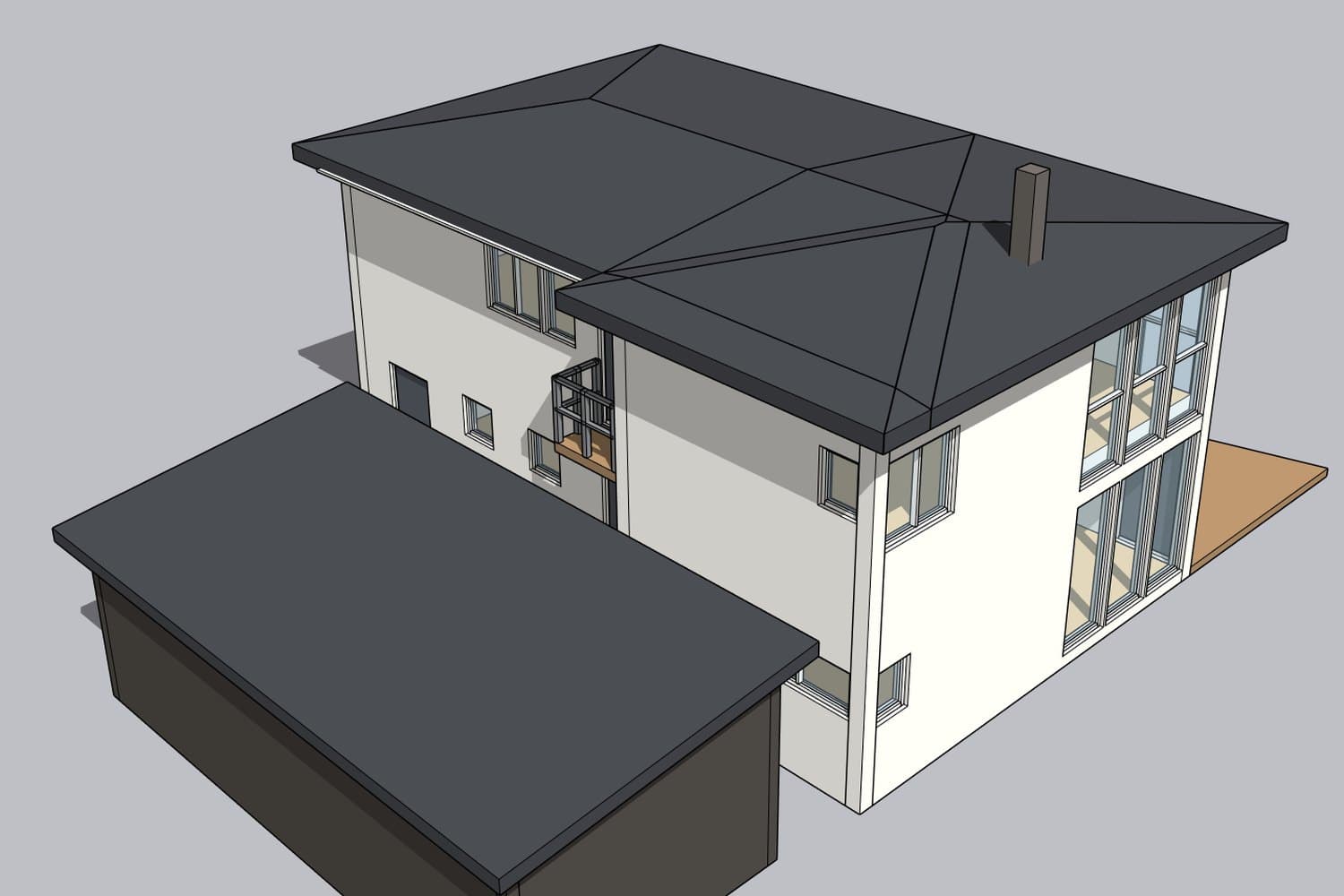
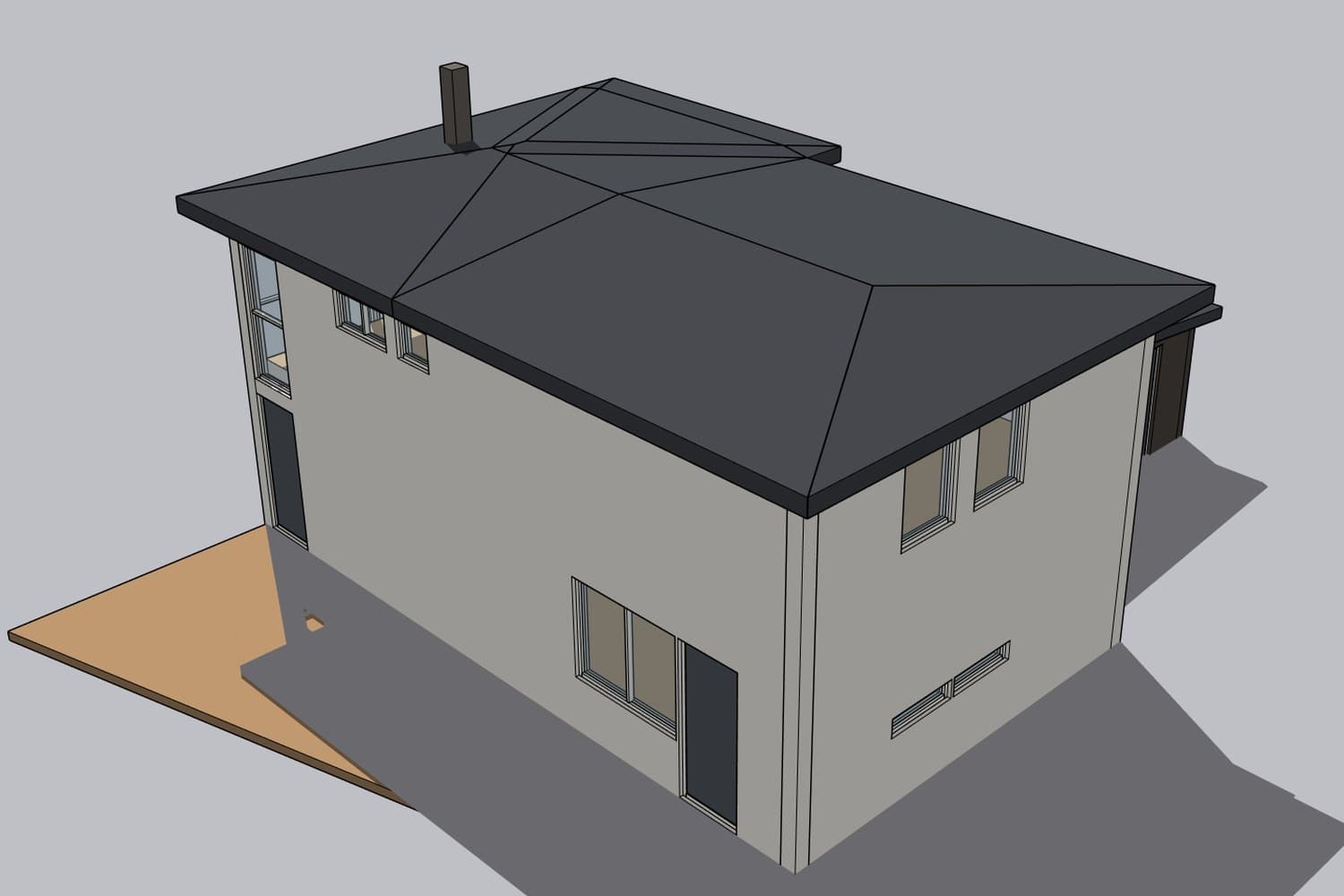
Example models
Built from ordinary permit drawings: floor plans, elevations and sections.
What you get
- Exterior walls, floors and stairs, dimensioned from your drawings
- Roof with the right pitch, eaves and chimney
- Windows and doors as real openings with frames and glass
- Interior walls from the floor plans
- Organized tags: Roof, Walls, Windows & doors, Floors
- Correct north orientation, so you can run sun and shadow studies
- Set up in feet and inches (or metric if you prefer)
Price
$29
per house, in US dollars
- Free preview pictures within 24 hours
- Only pay if you like the model
- Download the .skp file right after paying
Upload your drawings
Sending them costs nothing. You get pictures of your model within 24 hours and then decide whether you want to buy it.
Frequently asked questions
What drawings do I need?
A floor plan for each story and elevations of all four sides. A section drawing helps with ceiling heights and roof pitch. The scale (for example 1/4" = 1'-0" or 1:100) or a few dimensions should be visible on the drawings.
Where can I find the blueprints of my house?
Start with your city or county building department: permit records often include the plans submitted for the house. The builder, the previous owner, your real estate agent or the HOA may also have copies. Our guide walks you through it.
Are photos of the drawings OK?
Yes, if the photo is taken straight from above and all the text is readable. A scanned PDF or the digital PDF from the building department gives the best result.
What's included in the model?
The shell of the house: walls, roof, floors, stairs, windows and doors, built to the dimensions on your drawings and organized in tags. Furniture, interior finishes and landscaping are not included.
How accurate is the model?
We build to the dimensions on the drawings and check the model against every elevation and section. If the house has been remodeled since the drawings were made, that won't show in the model, so tell us about it in the notes field.
Feet and inches or metric?
Both work. We read the drawings in whatever units they use, and the model is set up in feet and inches unless you ask for metric in the notes.
Which SketchUp version do I need?
The file is saved in SketchUp 2017 format, so it opens in SketchUp 2017 or later and in SketchUp Free, the free web version.
How much does it cost?
The preview is free and you're not committing to anything. If you want the SketchUp file, it's $29.
How do you build the models?
We build every model with the help of AI tools and check it against your drawings. That's how we keep the price low and deliver within a day.
Where are you based?
We're a small studio in Sweden. Everything happens online, so it works the same wherever your house is. Prices are in US dollars and you pay by card through Stripe.
What happens to my drawings?
They are only used to build your model and are never shared with anyone else. All files are deleted automatically 90 days after your order.
What can I use the model for?
Planning an addition, a deck or a new floor plan, sun studies, trying out exterior colors, or showing an architect or contractor what you have in mind. The model doesn't replace construction documents or permit drawings.
Read more: how to find the blueprints of your house and how blueprints become a SketchUp model.
See your house in 3D, free
Upload your drawings today and have pictures of the model tomorrow.
Upload drawings